Overview
Terminal is a 2D pixel top-down game built in Unity, designed and developed over three weeks as part of a college project. It was the first game I had ever made, with no prior Unity experience and no real understanding of how game mechanics work. What started as a college submission turned into a genuine deep dive into the medium itself, built using the same tools professional game designers work with. The result was a short, atmospheric exploration game with a handcrafted tileset, player sprite and a world built entirely from scratch.
About Terminal
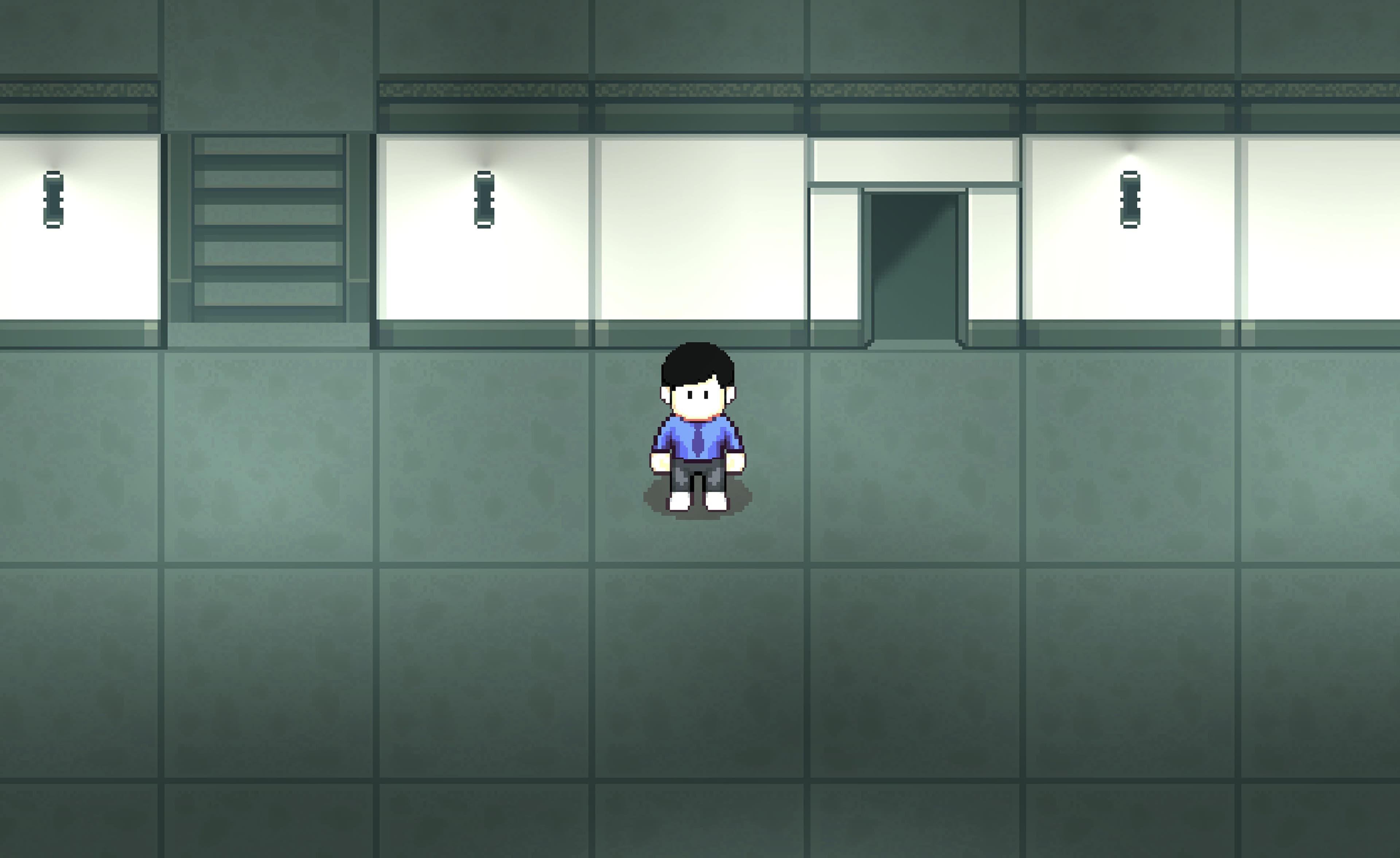
You play as employee 731B, adrift in the endless halls of NextGenesis, a corporation built on conformity and sustained by silence. Locked doors, corporate messages to start you're day, no colleagues and no noise. Your only objective is to reach the exit, to trade the illusion of safety for whatever exists outside the walls.
Building a World
The inspiration for the game, started with Severance (an Apple TV+ show) — the sterile hallways, the liminal atmosphere, the quiet horror of a life lived inside a corporation that tells you what to think. I wanted to build something that felt like that, so I tried exploring similar themes.
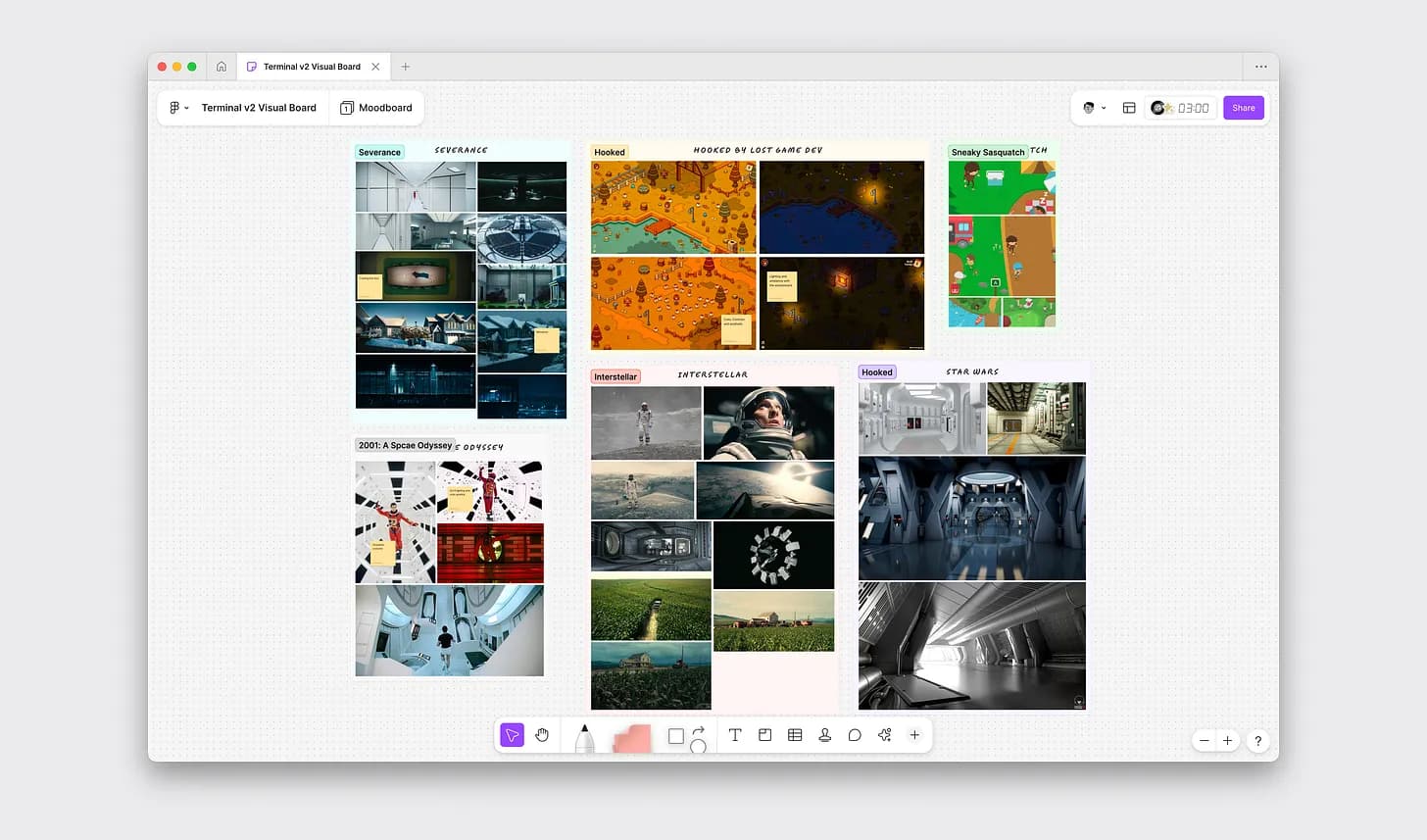
That exploration took me through Kubrick's 2001: A Space Odyssey, the institutional emptiness of THX 1138, and the vast loneliness of Interstellar. What connected them wasn't genre or plot but atmosphere, the way light falls on a corridor, the way color can make a space feel surveilled, the way silence in the right environment starts to feel like a threat. I tried to take inspiration from all of it and let it shape a single brief, something cold and liminal and wrong in a way you can't quite describe.
The Tileset and the Feel of a Space
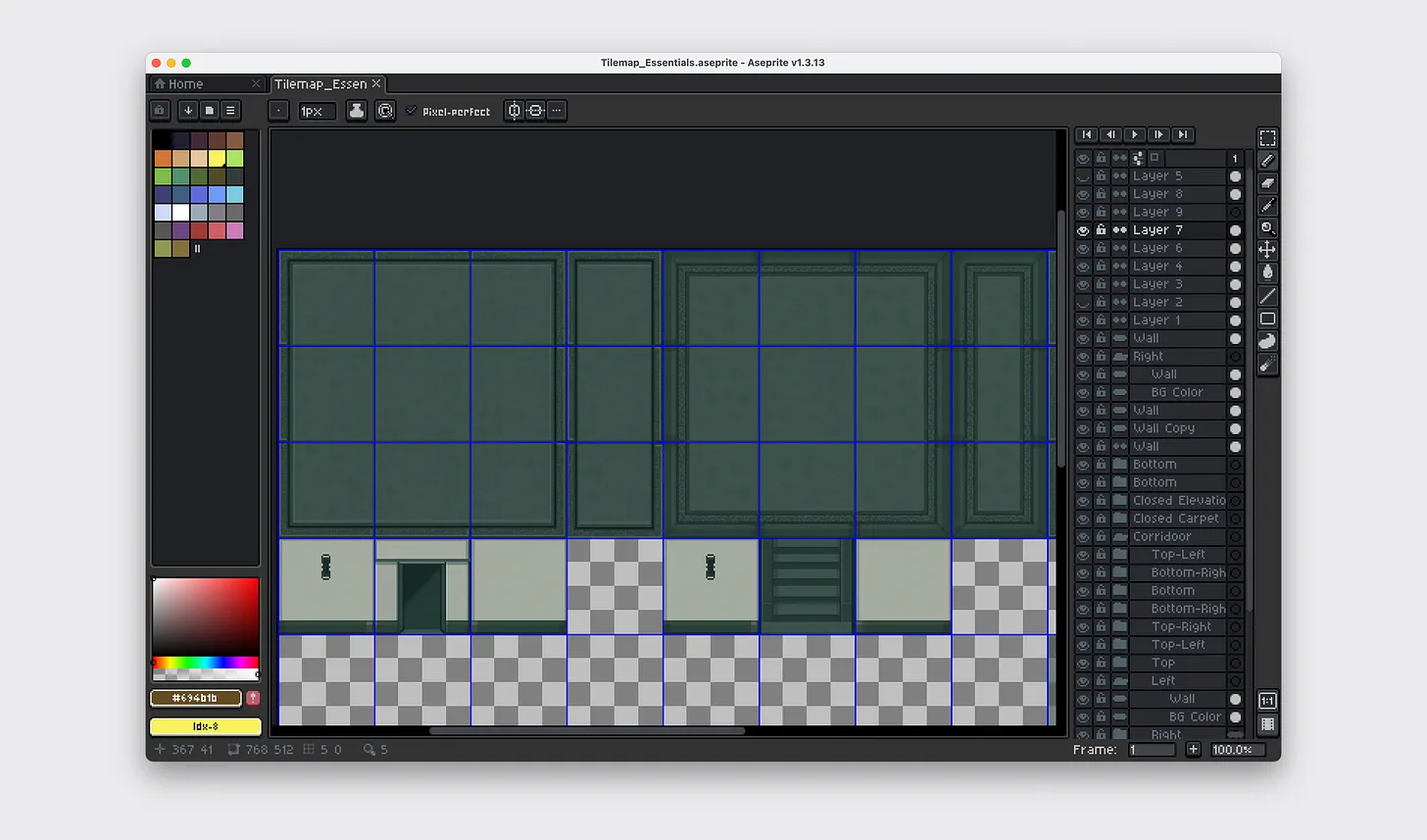
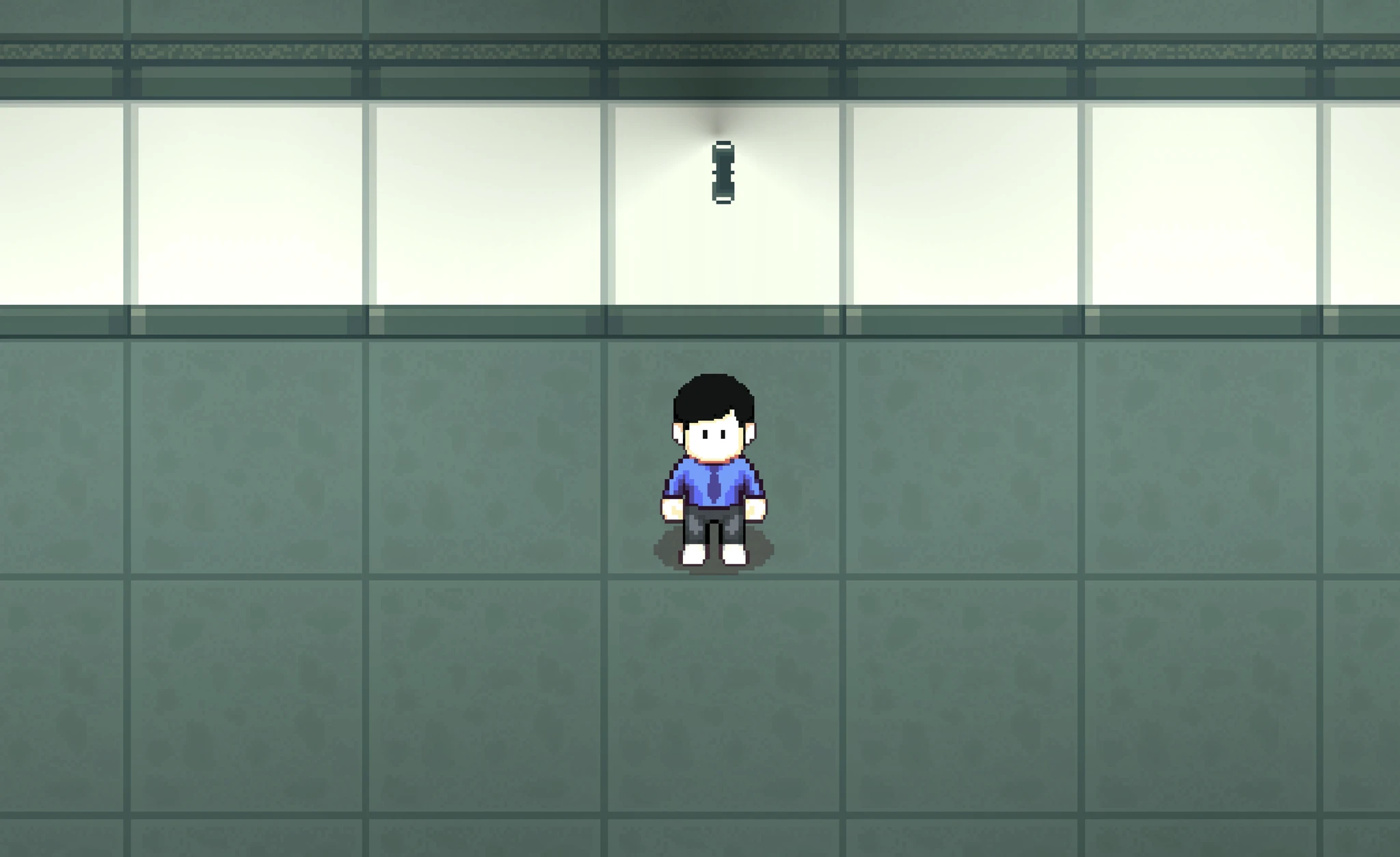
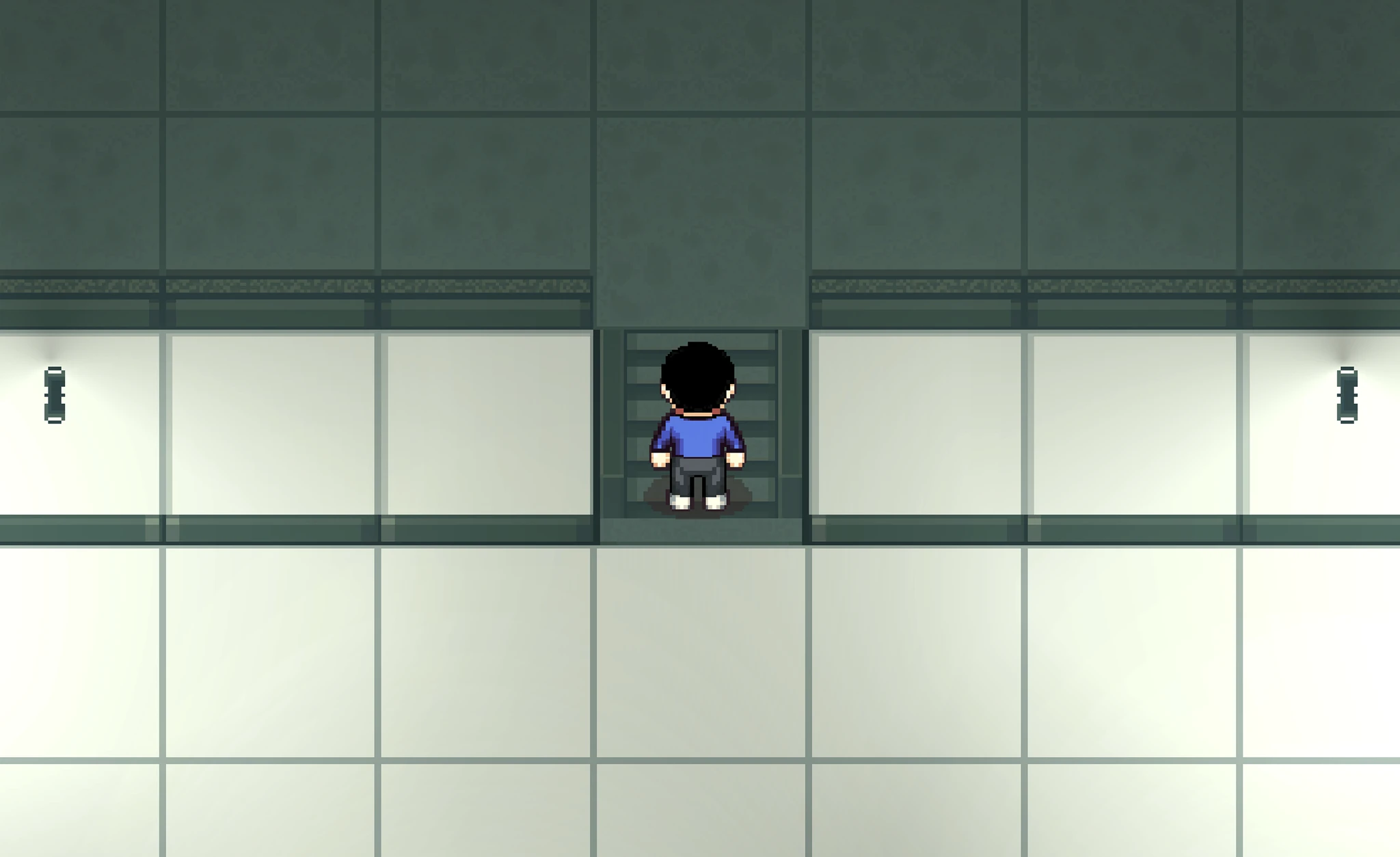
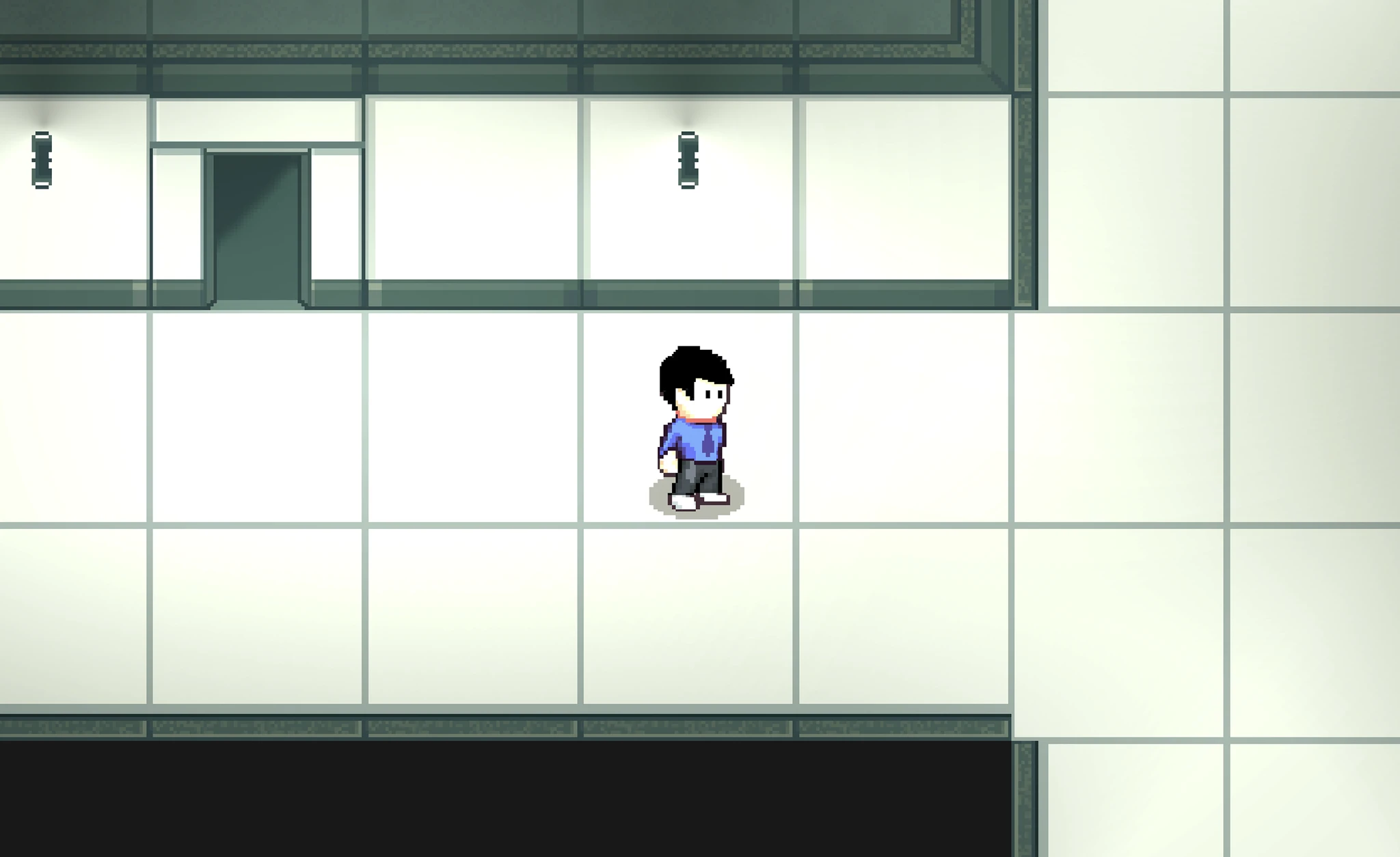
The visual work started in Aseprite, building the environment tile by tile, floors and walls and doors and stairs, all held together by a single unified color palette — restraint was the guiding principle. NextGenesis needed to feel institutional rather than decorative, so every element was stripped back to what it needed to be and nothing more.
Shadows took the most time. They're easy to overlook and impossible to fake, the difference between a flat grid of squares and a space that feels like it has actual depth and weight. The environment reads as a place before the player takes a single step.
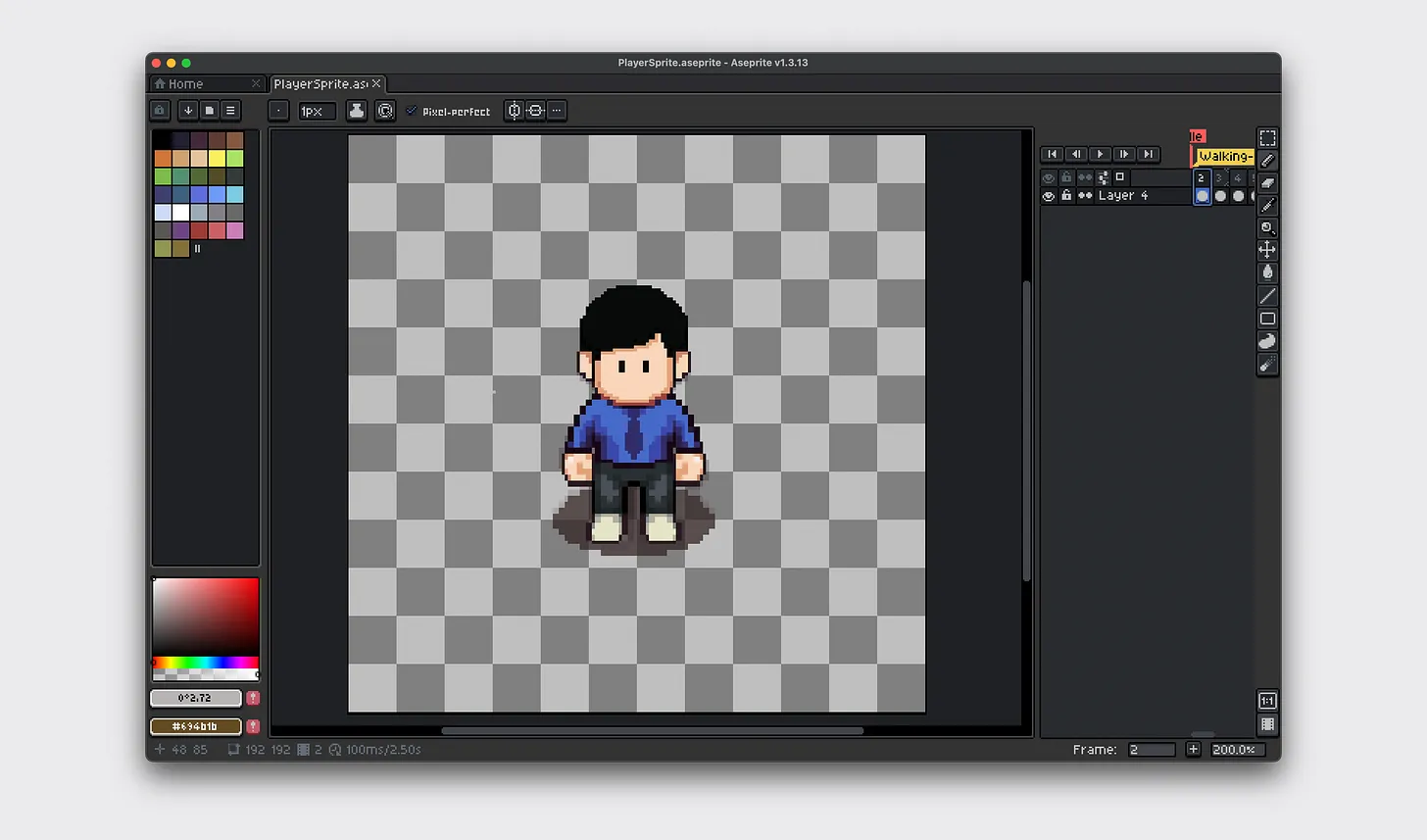
Then came the harder part, the player character. Designing a four-directional walk cycle, referenced against the Universal LPC Spritesheet Generator for timing and motion, meant thinking about how a body moves, how each frame hands off to the next, how the idle state feels when nothing is happening. The moment the character moved smoothly across the screen for the first time, The game started to come alive.
Constructing the Game
With the environment and player ready, the work moved into Unity, tile painting to define the space, 2D colliders to give it physical structure, ambient lighting to reinforce the mood that the visuals had already started building. Voice-overs and sound effects, crafted in ElevenLabs, added the final layer, the particular sound of being alone in a building that shouldn't feel as quiet as it does.
Learning C# happened in parallel through documentation, tutorials and a lot of iteration. Player movement, camera follow, and the underlying systems that make a game respond to input came together piece by piece. Understanding the logic of how a game runs, not just how it looks, was the part that changed how I think about building things in general.
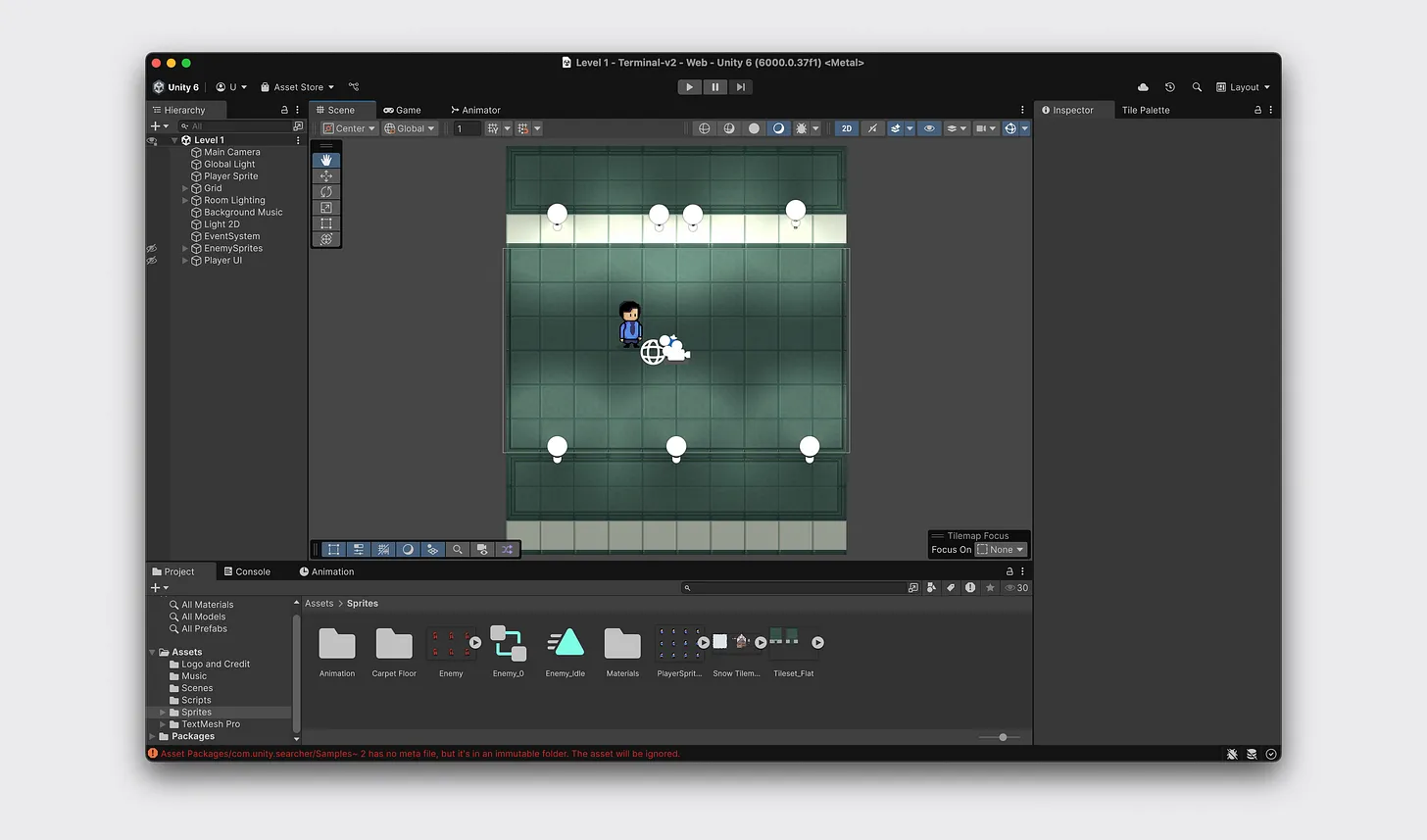
Putting things together
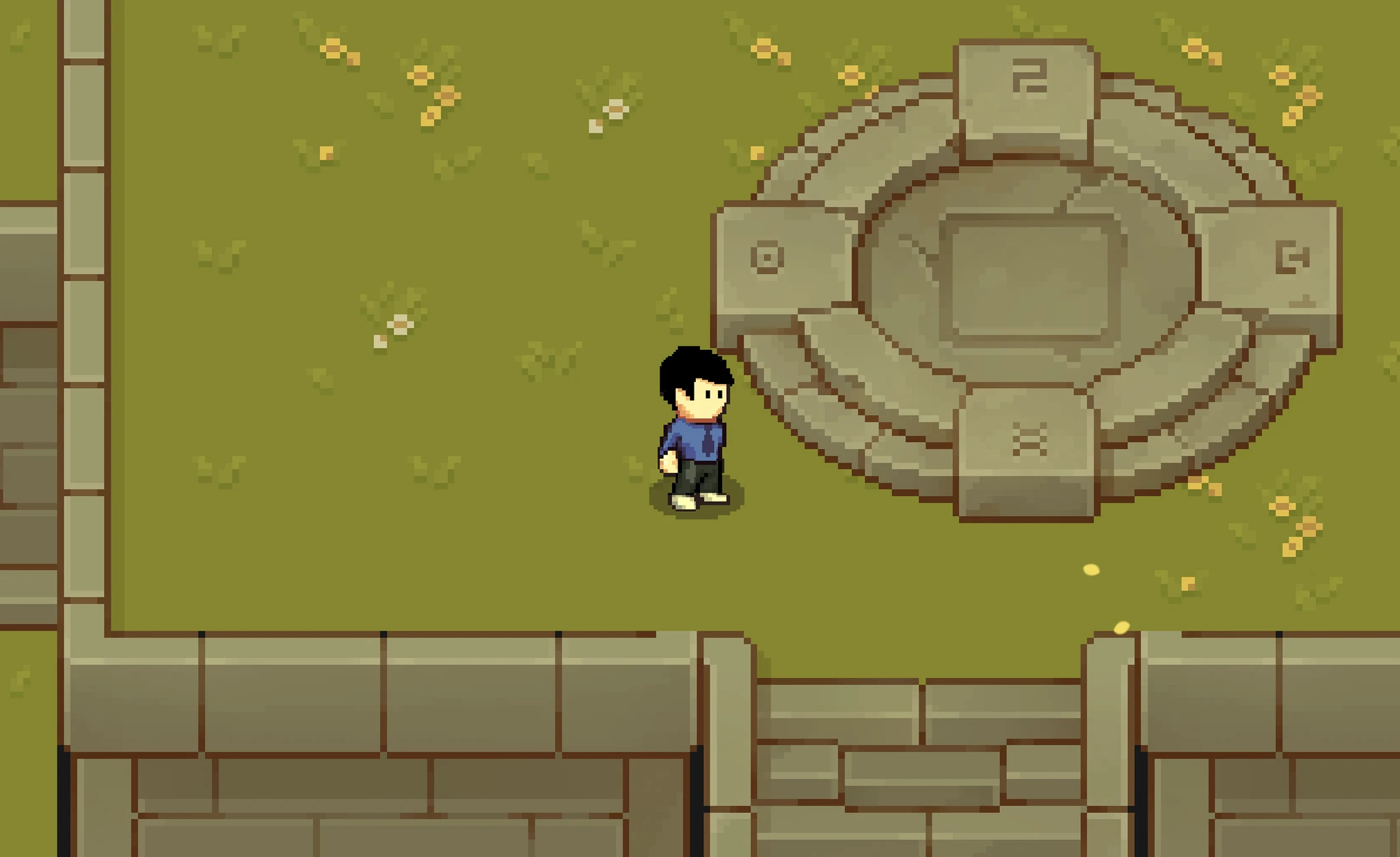
Every element had its own internal logic, the tileset, the lighting, the particle emitters, the shaders, the outdoor garden sequence that closes the game. The technical challenge of building each one was real. But making them feel like a single, coherent world rather than a collection of well-made parts was the real challenge.

Conclusion
Terminal is unfinished in the ways that first projects usually are. There are systems that could go deeper and moments that could land harder.
Terminal began as a personal experiment to learn game design, understand workflows, document progress, and explore how mechanics and creative decisions come together. Though incomplete, you can still try it out on itch.io.
or watch a short gameplay of Terminal